Desktop app
tfg-gui is the same program with a window on it, for the testing that is not scripted.
It makes the same files from the same settings as the command line, and a test compares the two
screen by screen, so nothing one of them can do quietly goes missing from the other.
Before anything is written
Every screen shows what a run would make before you start it: how many files, how many bytes, which formats and where they go. Preview lists the files without writing any. A run shows its progress and can be cancelled part way without leaving a half written file behind.
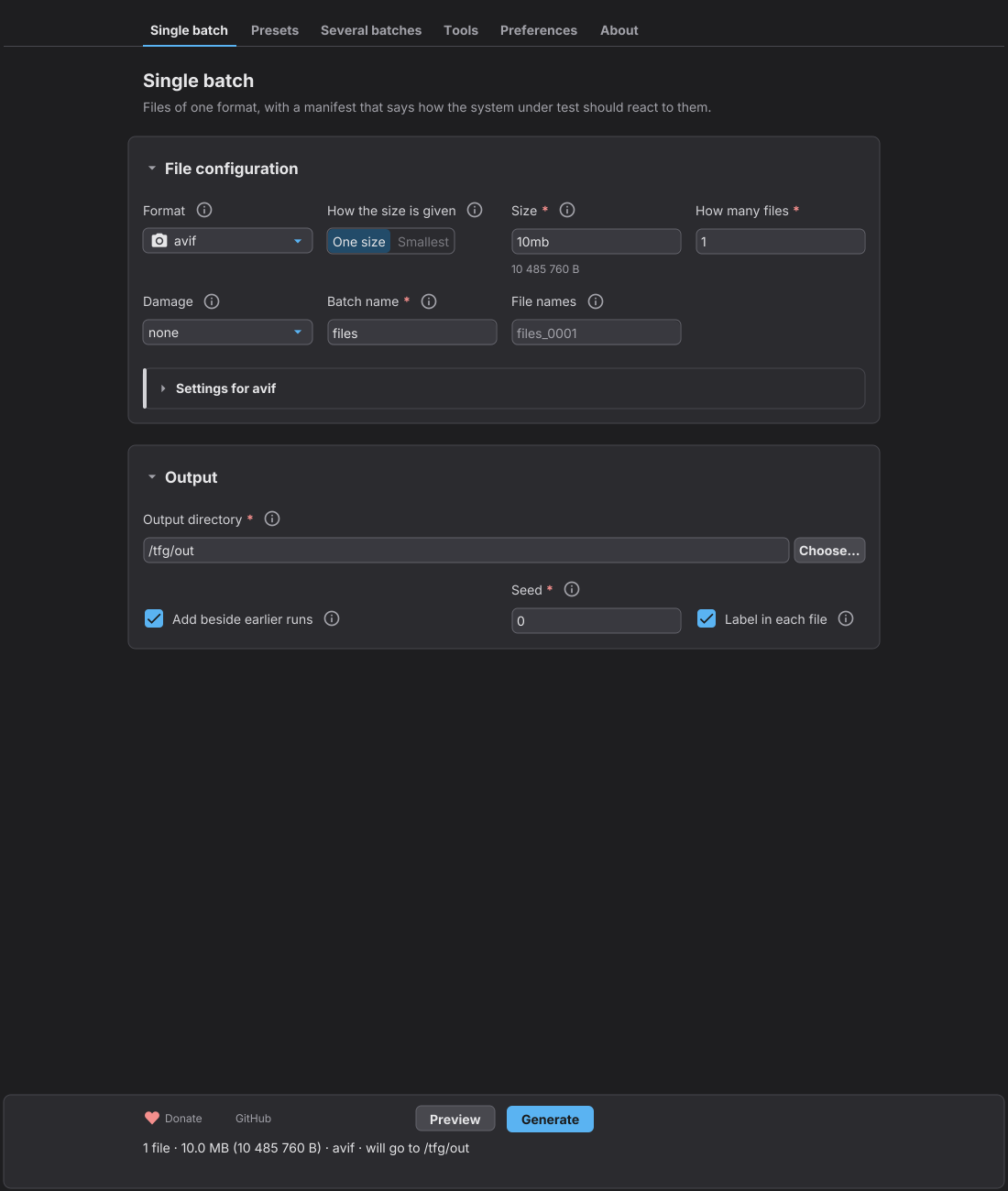
Single batch
Files of one format: choose the format, how the size is given, the size and how many files. The settings of the format open under the form, and a box beside every field says what it does. A value the format cannot take is marked under its field, with the value that would work.
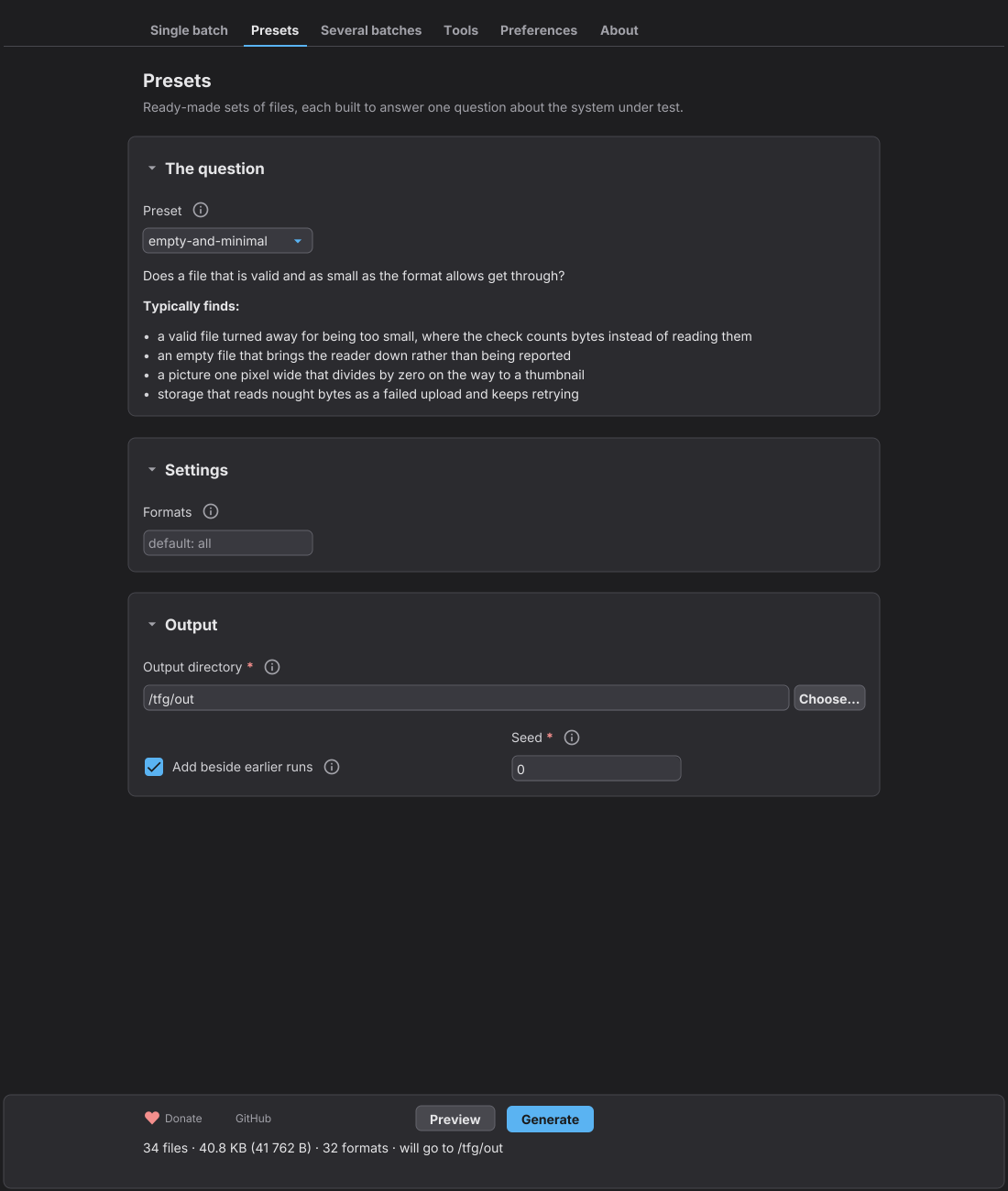
Presets
A ready set that answers one question about the system you test, such as whether a size limit is enforced exactly where it is declared. The screen says what each preset typically finds, takes its settings, and shows the cost of the set before it is made. Presets describes every one.
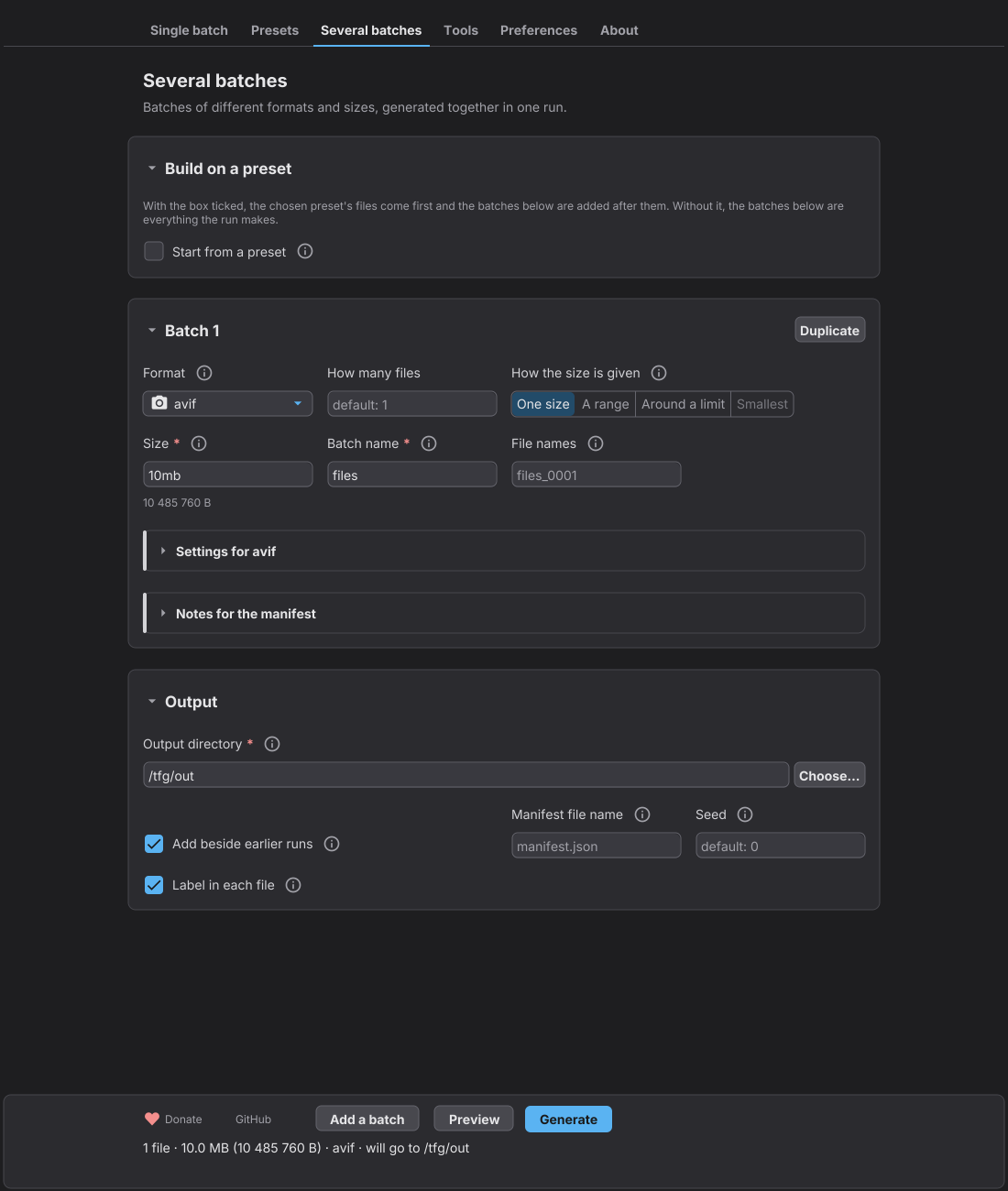
Several batches
Batches of different formats and sizes made together in one run, with one manifest. A batch can be duplicated and changed, can carry notes for the manifest, and the whole run can start from a preset, whose files come first.
Tools
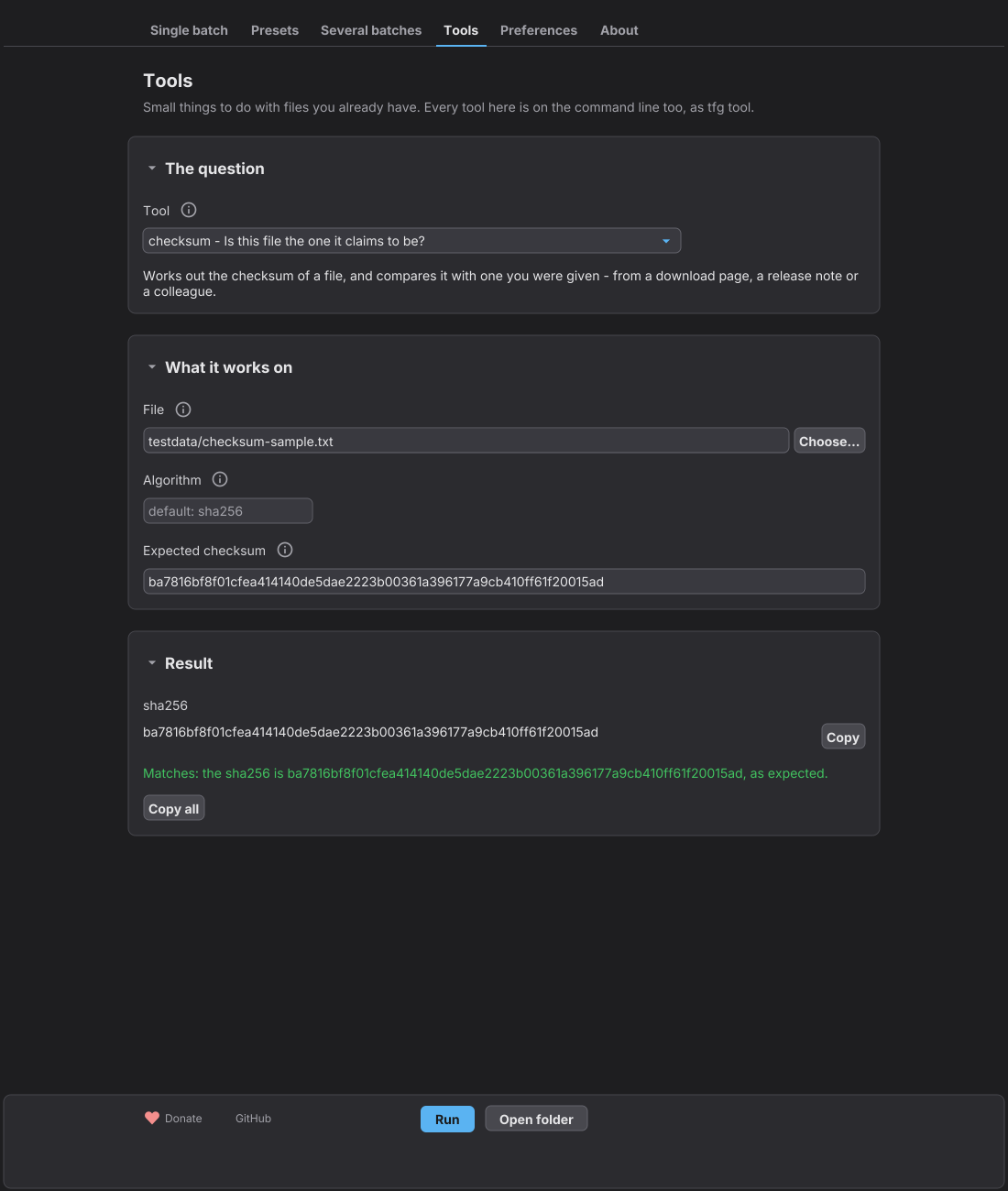
The tools for files you already have, with the same settings as tfg tool: a checksum
compared with the one you were given, checksums for a whole folder, and whether an archive is safe to
unpack. A file or a folder dropped on the screen goes into the box of the chosen tool.
Tools says what each one finds.
Preferences and About
Preferences sets the language of the window, how much memory a run may take, and shows what the window keeps between runs and where. Forget clears what it keeps. Only the window changes language. The files, recipes, manifests and the command line stay in English. About shows the version, how to use the window in three steps, and the licence.
The output folder
A folder dropped on the window becomes the output folder. A run into a folder that holds an earlier
run is added beside it: every name of the run, its manifest too, gets a number, as
files-2_0001.pdf and manifest-2.json, and nothing already there changes. The
switch for this, Add beside earlier runs, stays on unless you turn it off. With it off, such a run is
refused, the same as on the command line without --number-if-taken.
What it does not do yet
The window does not open a recipe file. Recipes are a command line thing for now, and the window builds its batches in the form. If the window does not open at all, see when the window does not open.